01
Customers & bookings
Keep customer details, appointments and booked work organised, with less searching between separate records.

UK DRONE BUSINESS SOFTWARE
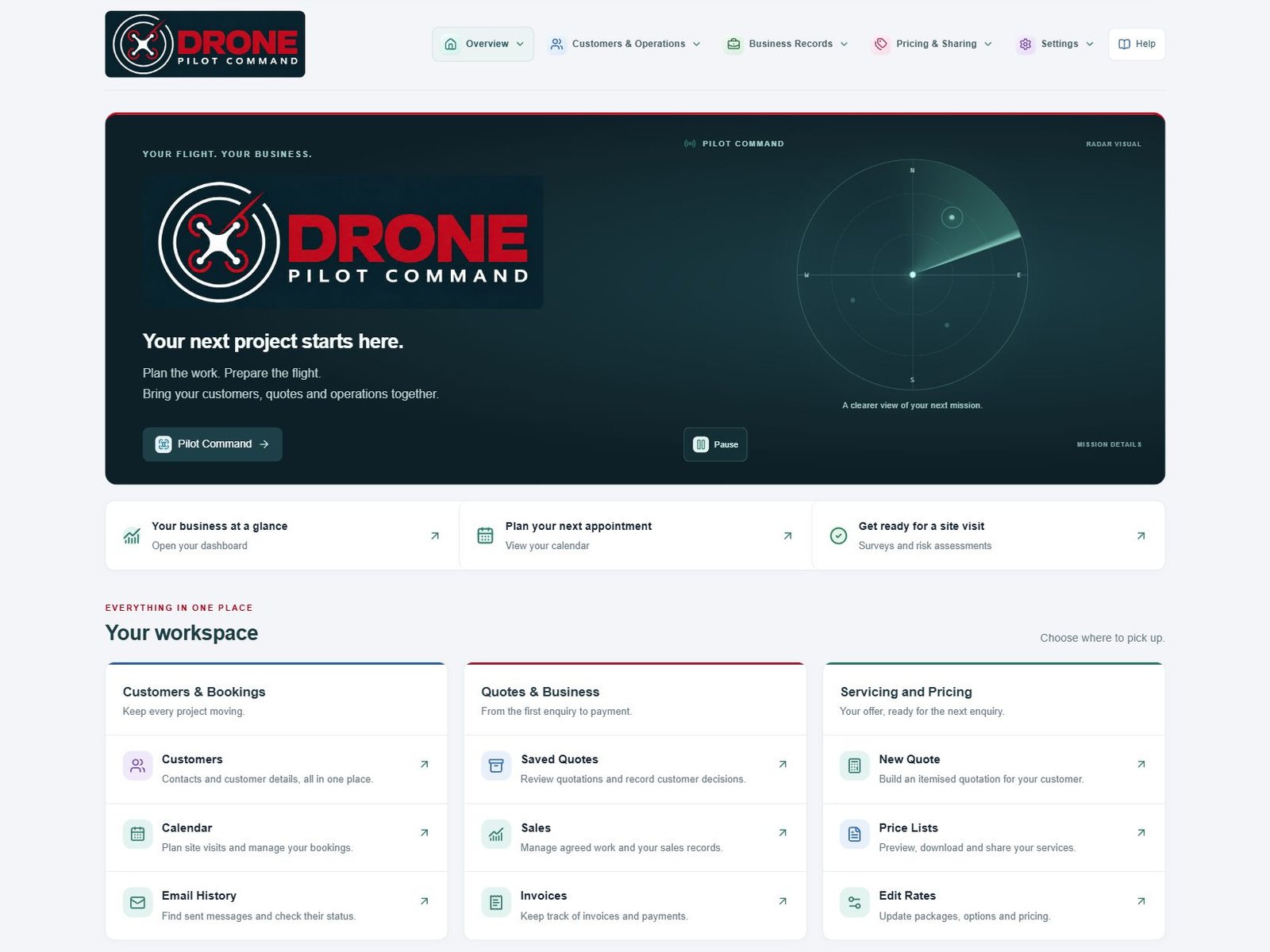
Starting a drone business or already selling drone services? WADiT Flight Office brings customer enquiries, quotations, flight planning and invoicing into one workspace for solo operators and teams.
THE ROOF INSPECTION (AS AN EXAMPLE)
Follow an example roof inspection and see how the work moves through WADiT Flight Office.
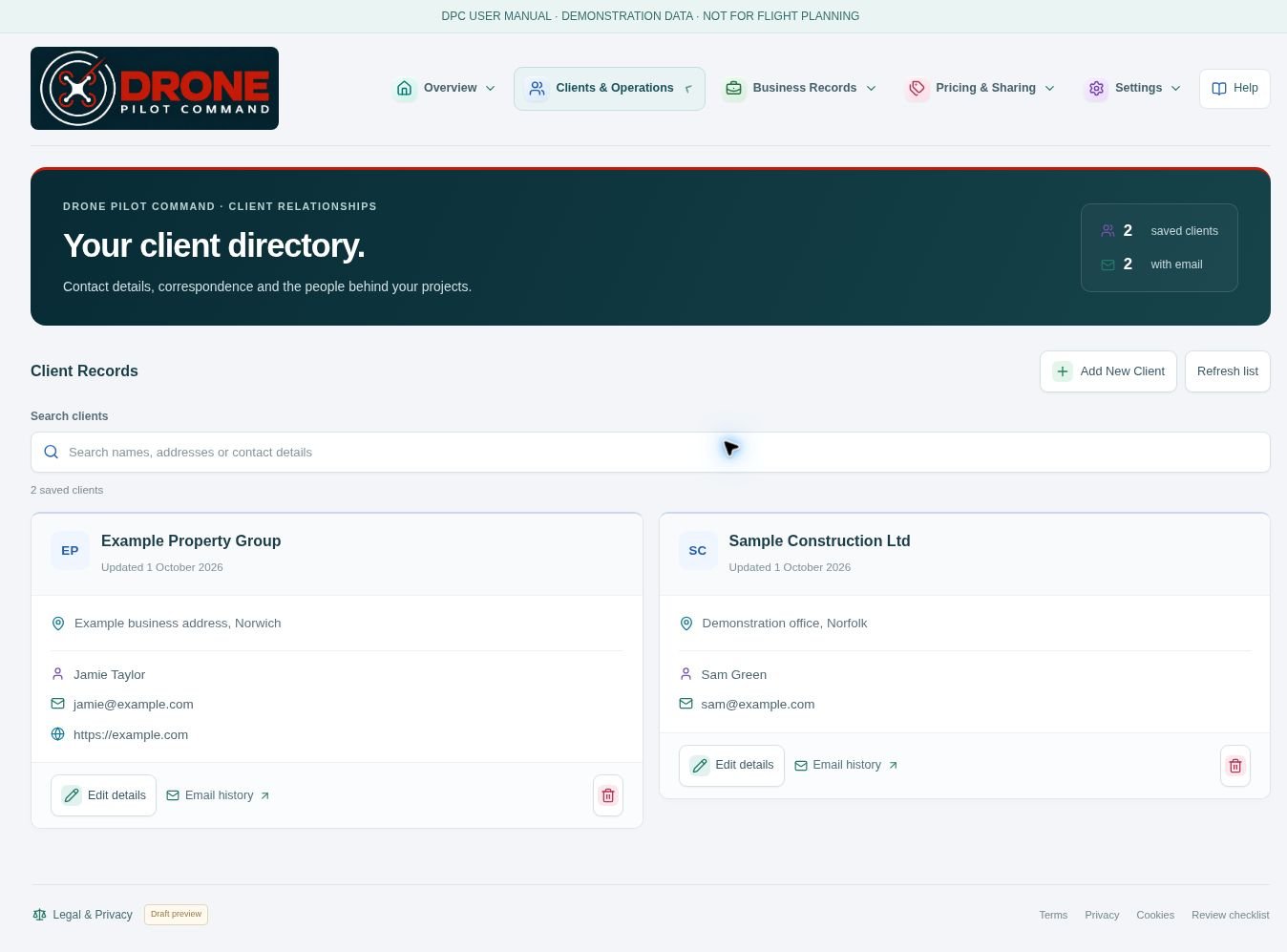
01 / Enquiry
A property manager asks for aerial images of a roof. Capture the customer details and keep the conversation tied to the work you’re quoting.
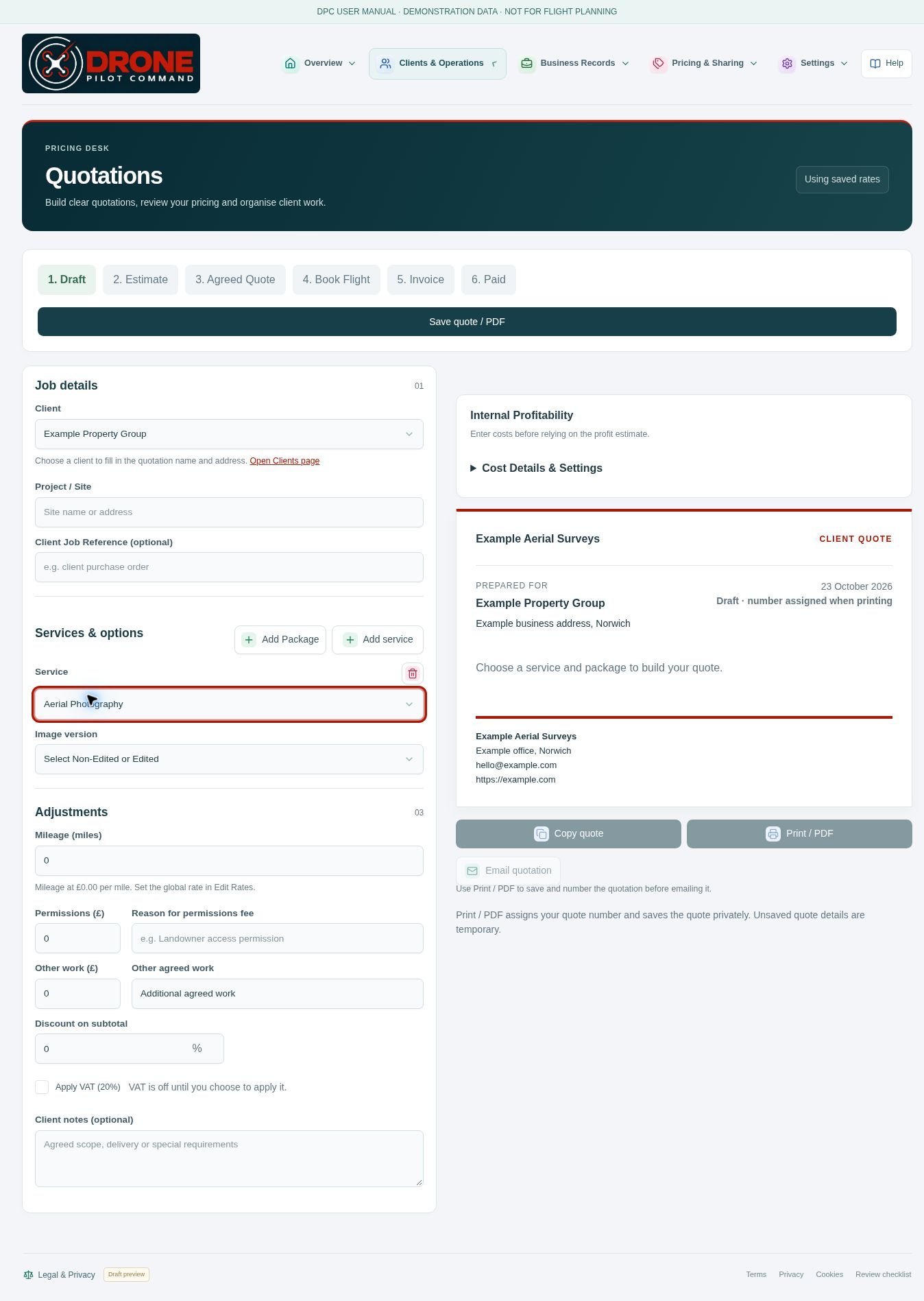
02 / Quote
Use your saved rates and services to price the inspection and prepare a branded quotation.
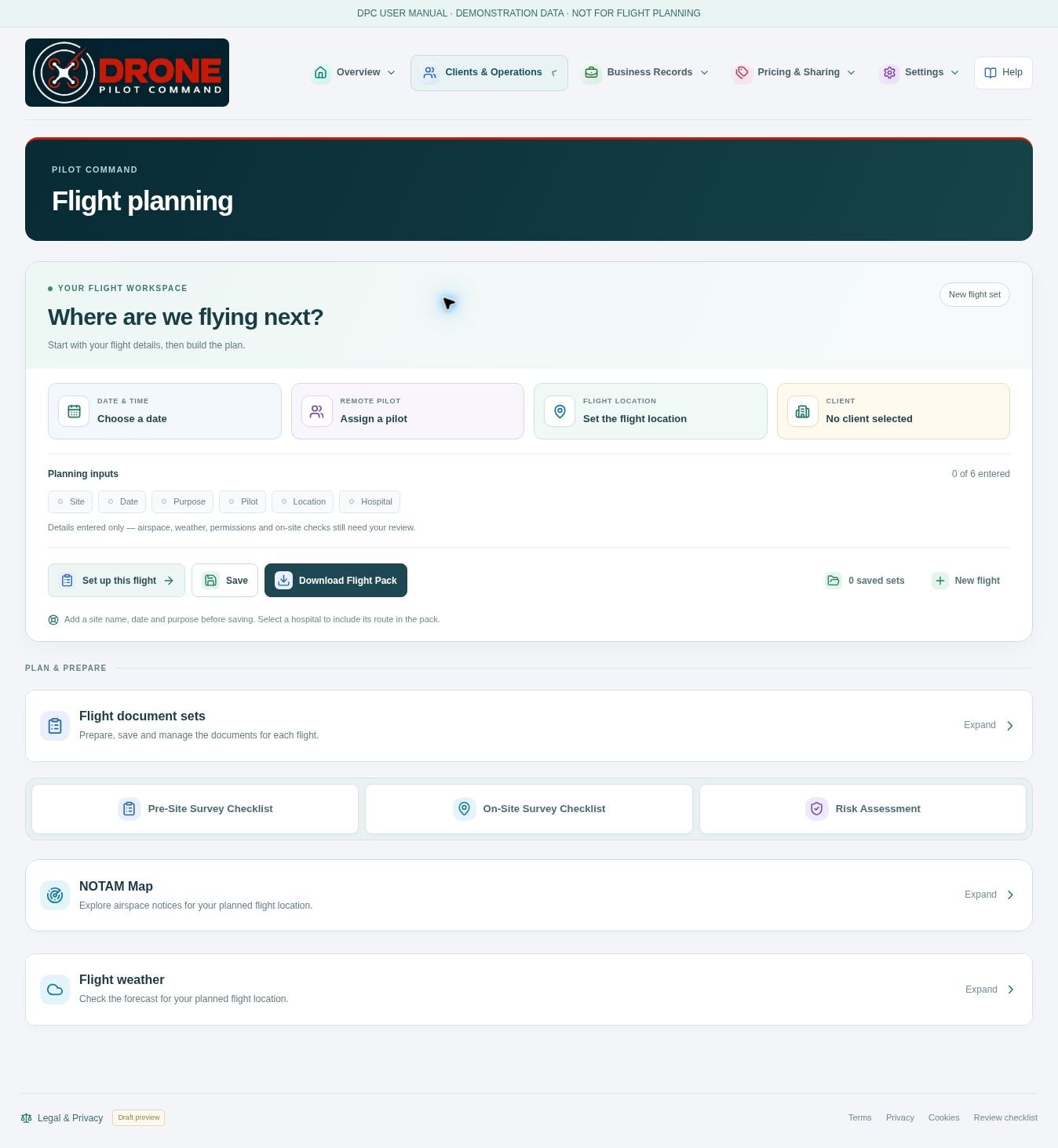
03 / Pre-site survey
Review the site, local airspace and NOTAMs, and check the forecast. Record your findings in the pre-site survey so you know what to verify when you arrive.
04 / Site visit
Put the appointment in the calendar, complete your on-site survey and use what you find to inform the risk assessment and flight plan.
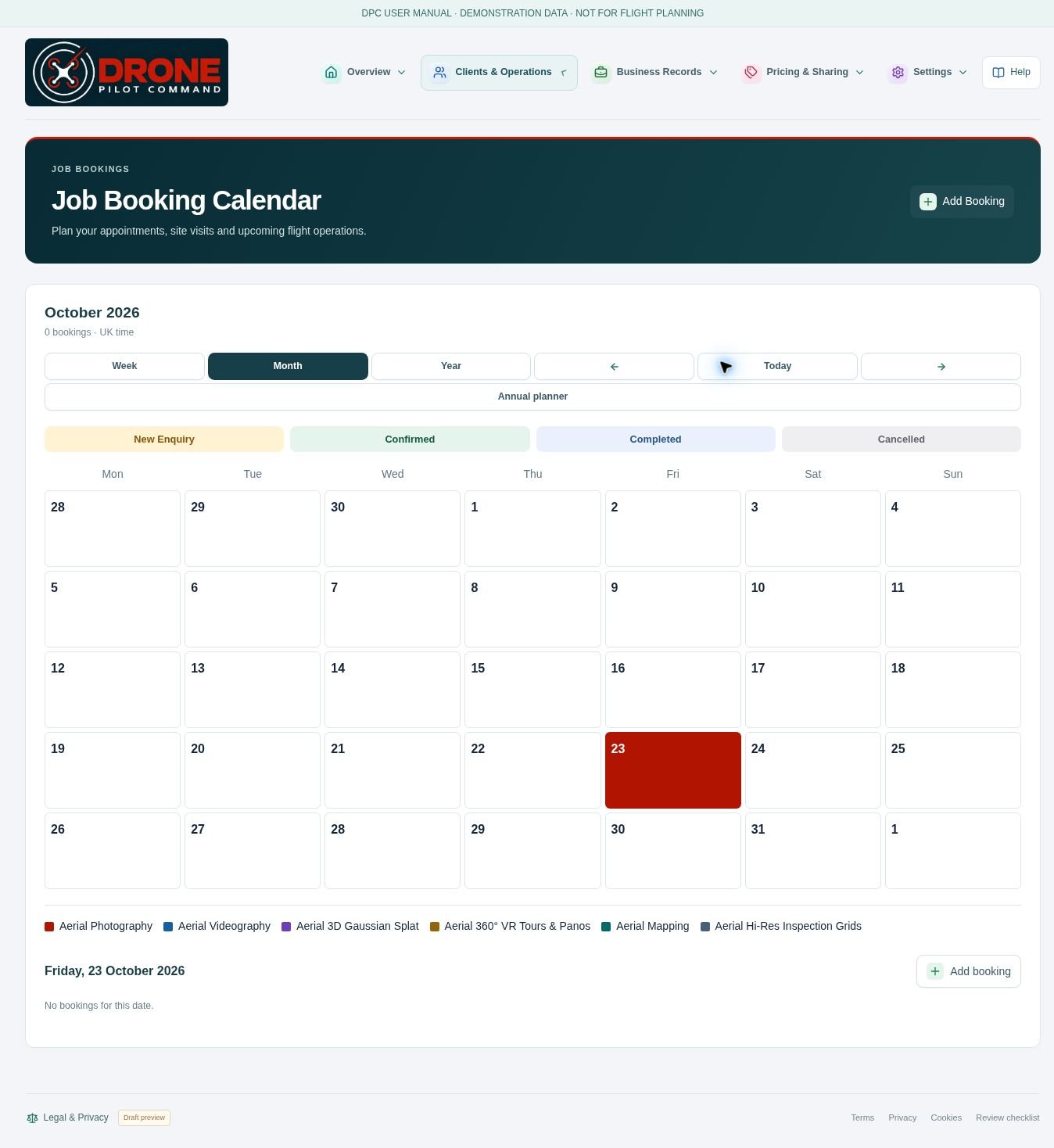
05 / Flight
Bring your surveys, risk assessment and flight details together in a downloadable Flight Pack. After the job, import supported DJI flight logs to review the route and telemetry.
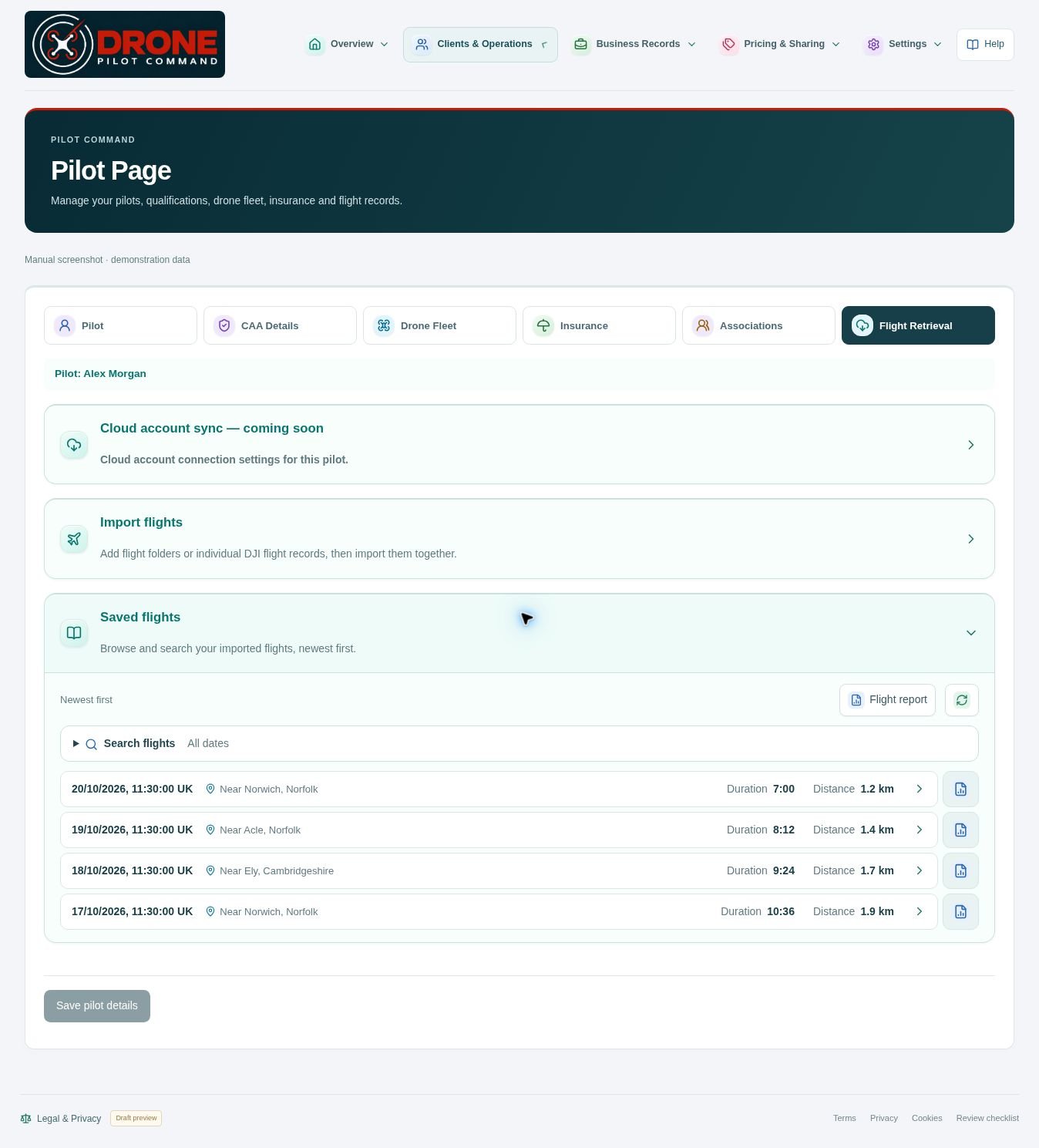
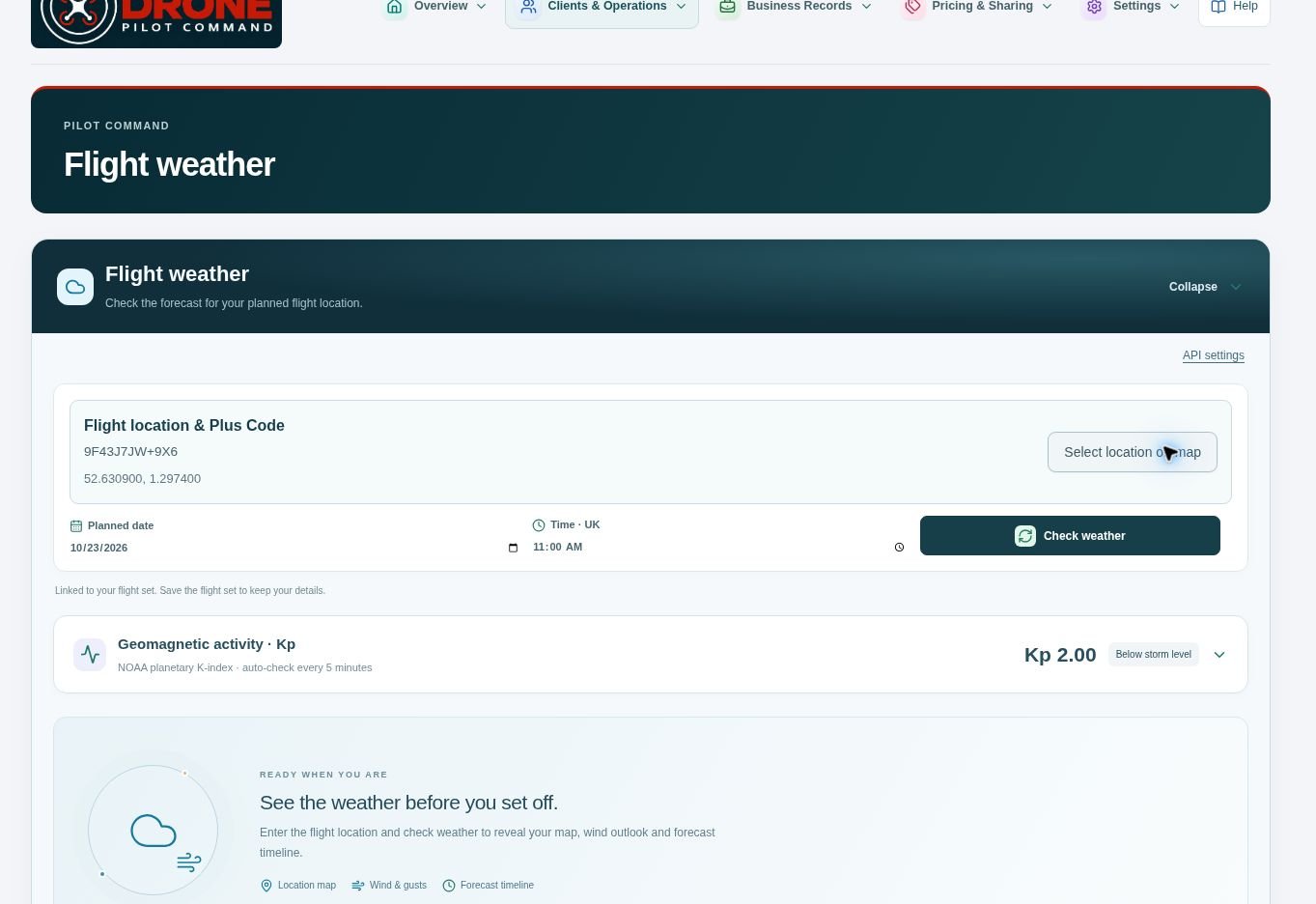
06 / Processing
Process the flight imagery in your preferred software. For this roof inspection, review the images and prepare the annotated photographs or report agreed with the customer.
07 / Delivery & invoice
Send the agreed roof images or report to your client. Prepare the invoice in WADiT Flight Office and follow its payment status to close out the job.
CAA ANNUAL REVIEW
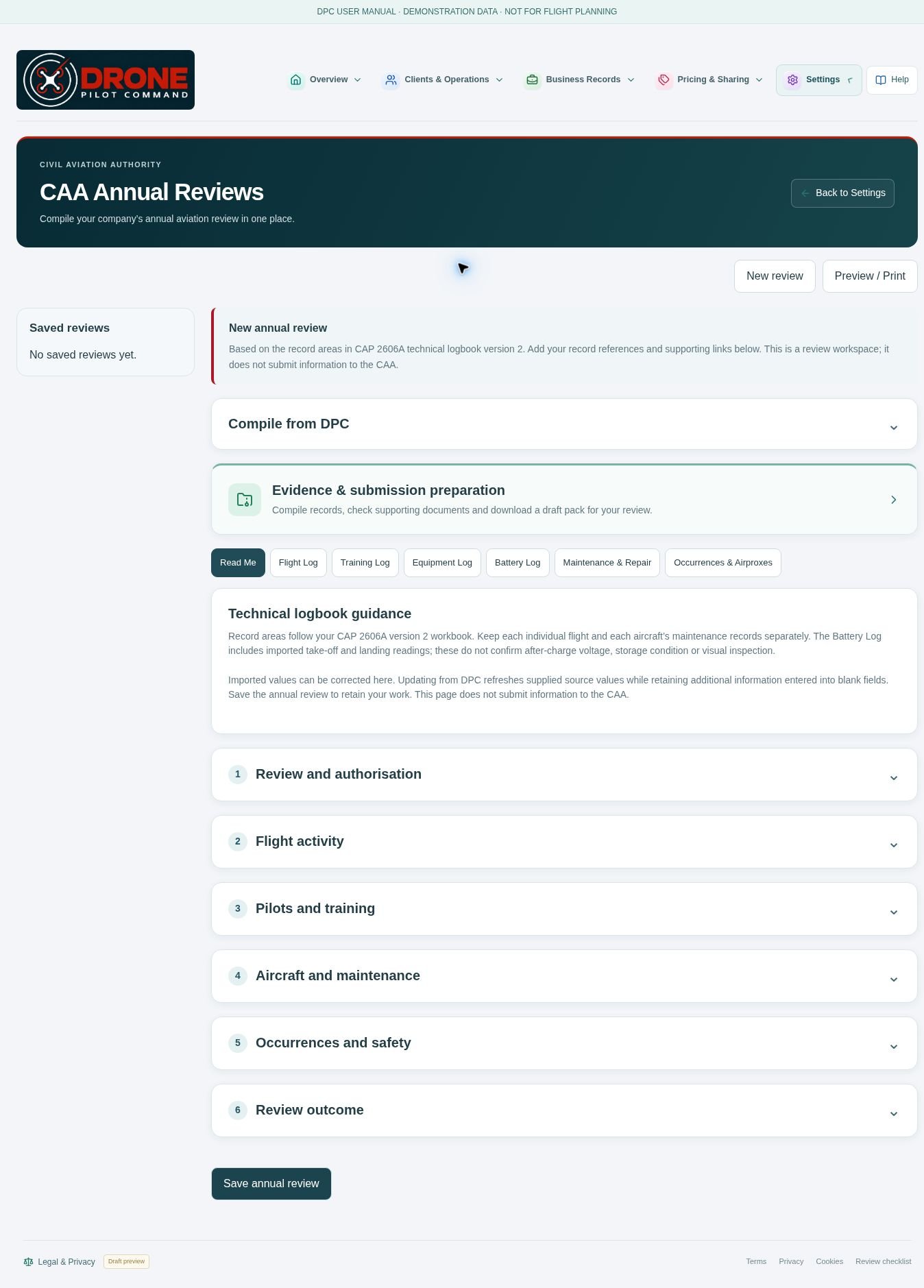
When the CAA asks for evidence under your Operational Authorisation, select the flights it asks about, link the supporting documents and export a draft ZIP from WADiT Flight Office.
Check the pack against the CAA’s request before submitting it. The operator remains responsible for permissions, safe flight decisions and compliance.
THE WORKSPACE
Use the same workflow whether you fly for yourself or organise jobs for a team.
Keep customer details, appointments and booked work organised, with less searching between separate records.
Build quotations from your rates and services. Produce branded PDFs and follow the job through to invoice.
Bring pre-site surveys, on-site checks, risk assessments and flight details into a consistent planning process.
Keep pilot qualifications, aircraft details, insurance and association records available when you need them.
Import supported DJI flight records. Search saved flights and review recorded routes and telemetry.
Organise CAA annual review information, maintenance records and your uploaded operations manual.
QR Studio
Proposed pricing
Take a job from first enquiry to final invoice. Both plans include all WADiT Flight Office features.
MONTHLY
Pay month by month. Cancel at any time, with access continuing to the end of your paid cycle.
ANNUAL
One annual payment. Save £30.40 compared with 12 monthly payments of £14.95.
Renewal is by express opt-in. Customer accounts and subscription payments will be available at launch.
THE DETAILS THAT MATTER
Know what you’re choosing before you make WADiT Flight Office part of your business.
WADiT Flight Office is designed for drone operators, sole traders and drone businesses that want to organise the commercial and operational sides of their work in one web application.
WADiT Flight Office brings your customers, pricing, bookings, pilots, aircraft, flight preparation and records into a shared workspace. Company details can be reused in documents, and work can progress from quotation to booking and invoice without maintaining a separate system for every stage.
No. The monthly and annual plans have the same features, with no numerical usage limits in the proposed plans. Choose the payment period that suits your business.
Yes. Add your company details and logo for your business documents. The company setup includes a route to use your own email provider for customer correspondence; you can prepare documents in WADiT Flight Office and send them through your own email service.
WADiT Flight Office is a web application. Sign in through your browser to access your workspace without installing desktop software.
Yes. Use the same workspace to quote for a single roof inspection, book the visit, prepare the flight paperwork and raise the invoice.
It’s a downloadable pack that brings together your site surveys, risk assessment and flight details so you can take the job paperwork with you.
Yes. Import supported DJI flight logs to review the recorded route and telemetry and find the flight again in your flight history.
Select the flights the CAA has asked about, link their supporting records and export a draft evidence pack to check before you submit it.
No. WADiT Flight Office helps organise planning and supporting records. You remain responsible for qualifications, permissions, current airspace information, weather, site conditions and every decision to fly.
You can register your interest below. Customer accounts and subscription payments will be available at launch.
YOUR FLIGHT. YOUR BUSINESS.
A more organised way to run the work around every flight.
We’ll contact you when we’re ready to launch.